How to setup LACP between FortiGate and Cisco Switch
This article describes in a simple way a glimpse of the configuration of LACP between the FortiGate firewall and Cisco Switch.
CISCOFORTINET
11/30/20242 min read
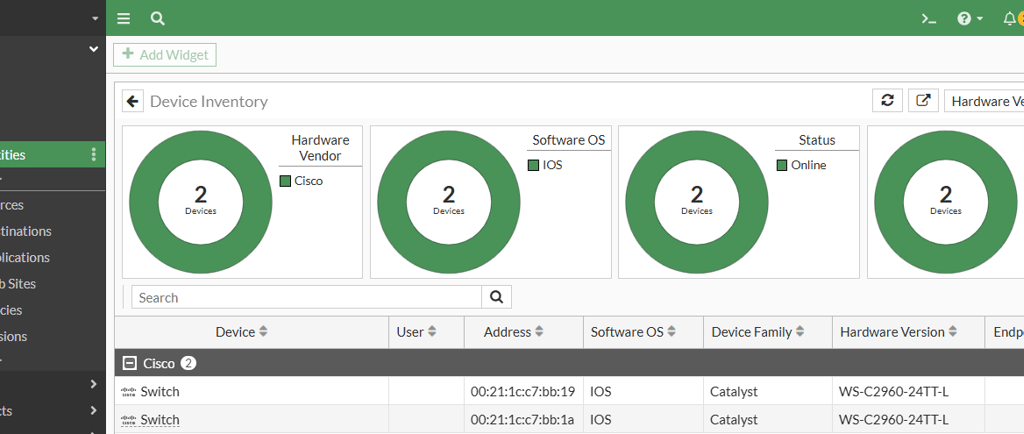
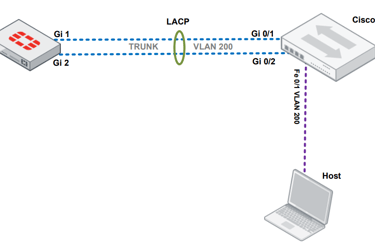
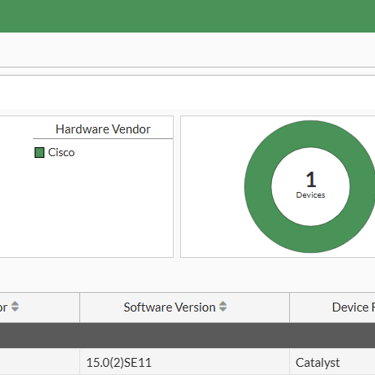
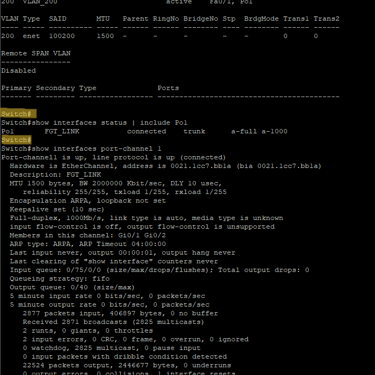
The LACP is very common in enterprise environment due to your simplicity to deploy and great advantage to use it. Redundancy and increase of bandwidth are some of the benefits. So, today let's take as example a configuration of a 802.3AD, LACP or Ether Channel, between a FortiGate and a Cisco Switch. That last one using an IOS with 15.0(2)SE11 firmware version.
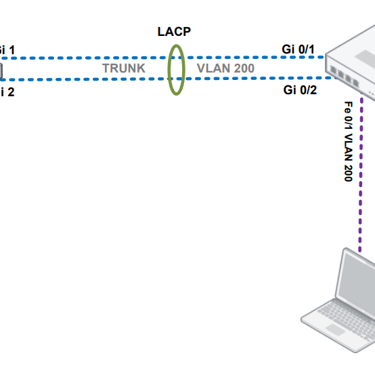
The topology
FortiGate Configuration
config system interface
edit "LACP-FGT"
set vdom "root"
set type aggregate
set member "internal1" "internal2"
set lacp-mode active
set lacp-speed fast
set algorithm L4
set min-links 1
set description "LAG para <SWITCH>"
set device-identification enable
set lldp-transmission enable
set lldp-reception enable
set role lan
next
end
config system interface
edit "VLAN_200"
set vdom "root"
set interface "LACP-FGT"
set vlanid 200
set ip 10.200.200.1 255.255.255.0
set allowaccess ping
set device-identification enable
set role lan
next
end
Cisco Switch configuration
hostname <HOSTNAME>
lldp run
vlan 200
name VLAN_200
vlan 997
name NATIVE
interface Port-channel1
description FGT_LINK
switchport mode trunk
switchport trunk native vlan 997
switchport trunk allowed vlan 200
spanning-tree bpdufilter enable
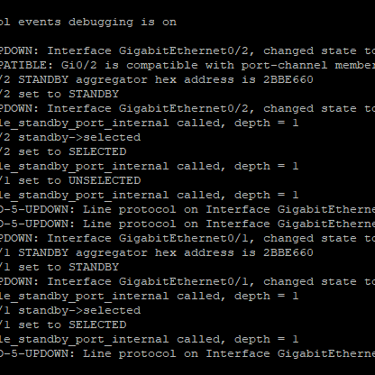
interface range GigabitEthernet0/1-2
description FGT_LINK_member
switchport mode trunk
switchport trunk native vlan 997
switchport trunk allowed vlan 200
lacp rate fast
channel-group 1 mode active
port-channel load-balance src-dst-ip
interface GigabitEthernet0/10
description VLAN_200
switchport mode access
switchport access vlan 200
spanning-tree portfast
spanning-tree bpduguard enable
LLDP as a PLUS
FortiGate LLDP
To configure device identification on an interface:
config system interface
edit LACP
set device-identification enable
next
end
To configure LLDP reception globally:
config system global
set lldp-reception enable
end
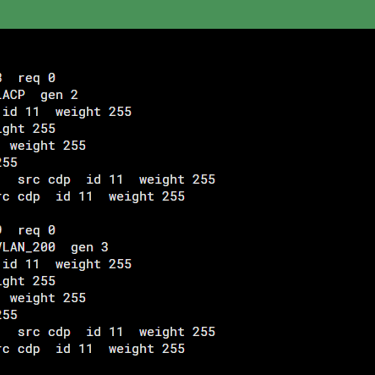
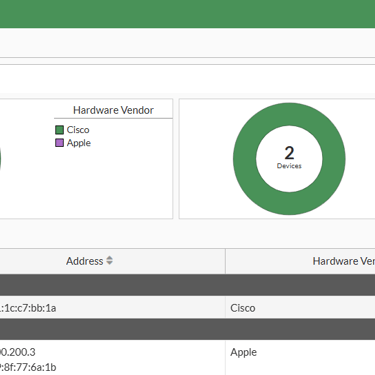
To view the received LLDP information in the CLI:
# diagnose user device list
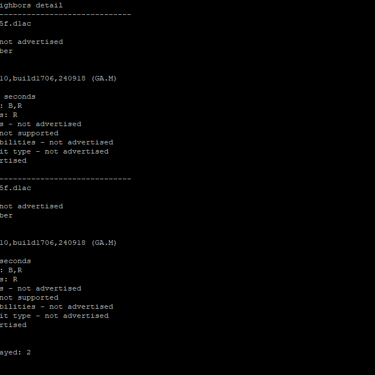
Cisco LLDP
As default, LLDP is not enabled.
Switch#show lldp neighbors detail
% LLDP is not enabled
Switch#configure terminal
Switch(config)#lldp run
Switch(config)#end
Switch#
Configuring the VLAN inside the LACP interface
FortiGate
techcyber # config system interface
techcyber (interface) # edit "VLAN_200"
techcyber (VLAN_200) # show
config system interface
edit "VLAN_200"
set vdom "root"
set ip 10.200.200.1 255.255.255.0
set allowaccess ping
set device-identification enable
set role lan
set interface "LACP"
set vlanid 200
next
end
techcyber (VLAN_200) #
Cisco Switch
Creating VLAN:
Switch#configure terminal
Switch(config)#vlan 200
Switch(config-vlan)#name VLAN_200
Switch(config-vlan)#no shutdown
%VLAN 200 is not shutdown.
Switch(config-vlan)#exit
Assigning VLAN on physical interface to host:
Switch(config)#interface fastEthernet 0/1
Switch(config-if)#switchport mode access
Switch(config-if)#switchport access vlan 200
Switch(config-if)#no shutdown
Switch(config-if)#description VLAN_200
Switch(config-if)#exit
Added VLAN on LACP interface in trunk mode:
Switch(config)#interface Po1
Switch(config-if)#switchport mode trunk
Switch(config-if)#switchport trunk allowed vlan 200
Switch(config-if)#no shutdown
Switch(config-if)#description FGT_LINK
Switch(config-if)#end
Switch#
Final Considerations
In addition to the configurations made here in the article, LACP has two more parameters that are very important for its operation: the operating mode and the negotiation speed. Note that these parameters were not used and LACP worked as expected. However, there may be scenarios in which it will be necessary to change the values of these parameters for LACP to work properly.
Operating Modes
Active Mode: The initiating device sends LACP packets to establish aggregation.
Passive Mode: The device waits for LACP packets to establish aggregation.
Negotiation Speeds
Fast: Negotiation every 1 second.
Slow: Negotiation every 30 seconds.